 |
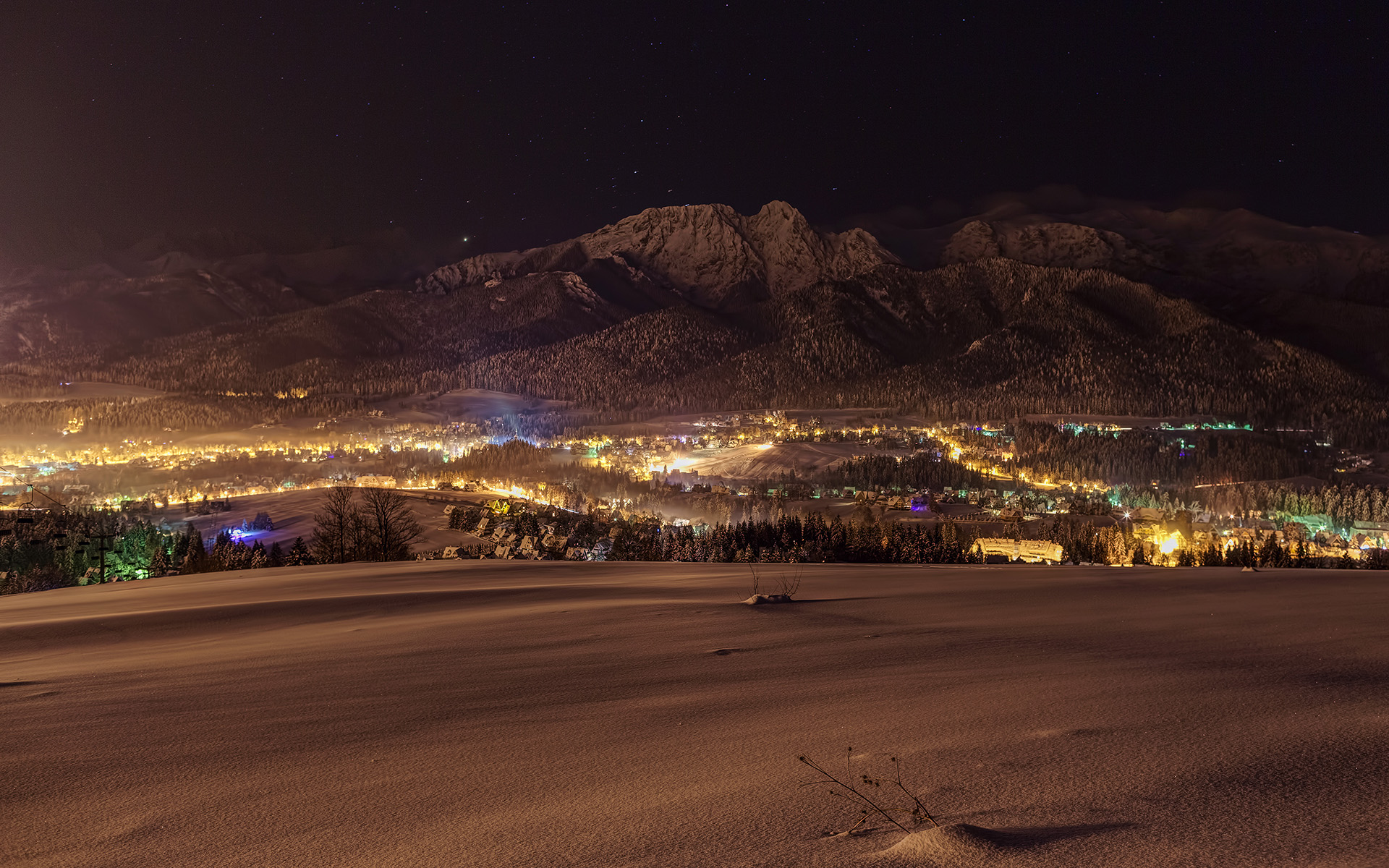
| Above photo, taken in Tatra mountains, was processed using presets from this post. |
You can download my autumn presets here.
Also if you like them, I would greatly appreciate your feedback and shares of this post amongst your friends. It will motivate me to create & share even more free presets. Let me know your favourite ones too! And make sure to give links to photos processed with these presets in the comments below - I'd be very happy and interested to see them.
BTW you can find more presets created by me here. They include Adobe Lightroom, Topaz Adjust and Photomatix Pro presets. And they are all free!
To import presets into Adobe Lightroom:
- Extract downloaded presets, remembering the location where you did extract the files.
- Go to Develop module in Lightroom.
- Expand Presets panel (it's on the left side just below Navigator).
- Right-click on the folder of your choice (eg. User Presets) and select Import...
- Navigate to the location where you extracted presets, select all of them and click on the Open button.
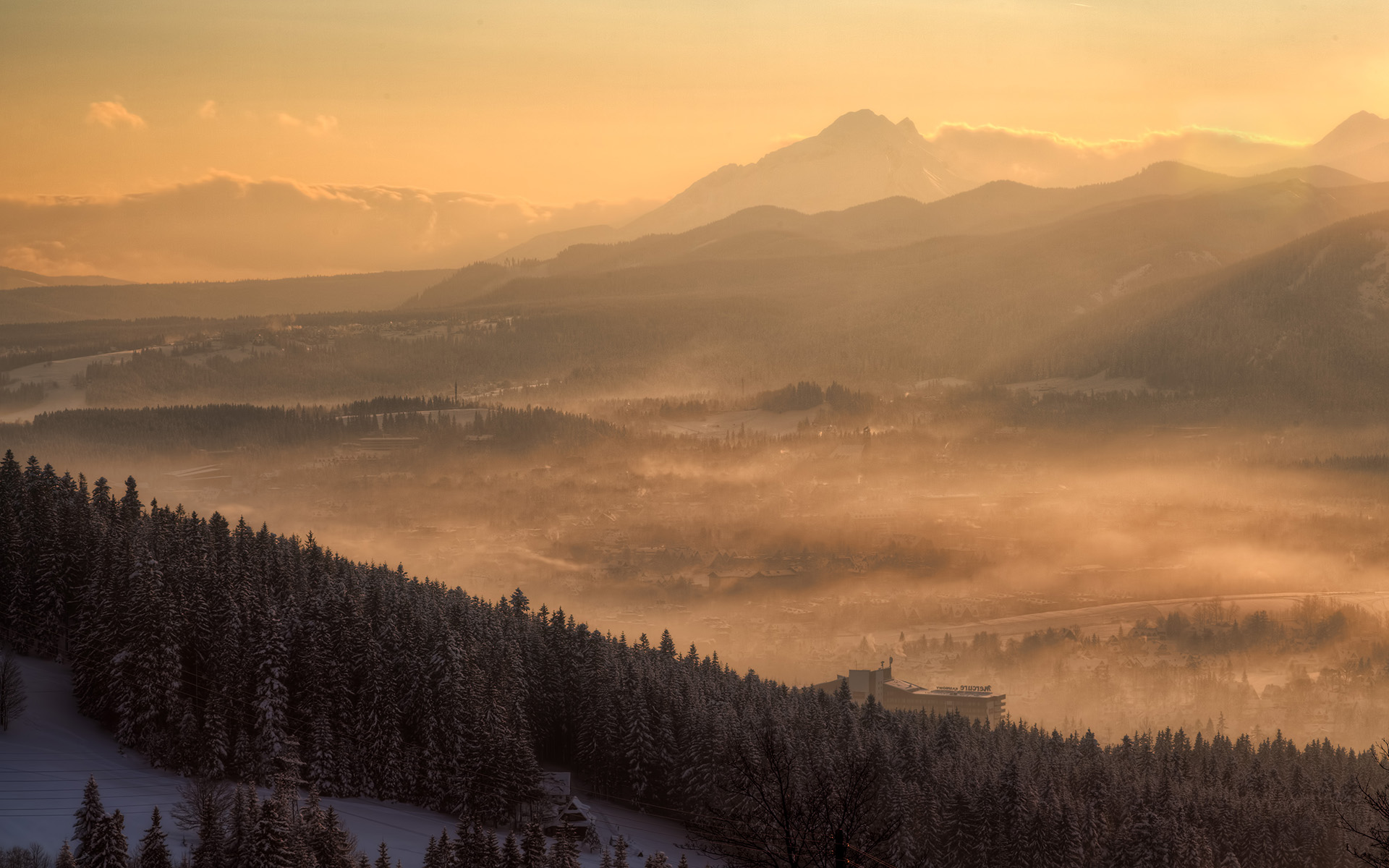
Here is base unprocessed photo:

And below you will find presets in action with a short description of best use:
| Preset preview | Preset name | Description & best use case | Number of variants |
|---|---|---|---|
 | Dramatic contrast | Preset which works great for creating very dramatic images. Works very well for dramatic mountain photos and for forest scenes. | 1 |
 | Vibrant | Preset with very vibrant colours. Works very well on foggy or rainy autumn days to add pop to otherwise lifeless and colourless images. It might be too saturated for other cases though. | 2 |
 | Monochrome | Monochrome preset with large contrast for creating very moody images. | 2 |
 | Natural | Preset producing very natural colours. Works best for well exposed photos with good light. Good for typical landscape photos. Might be too flat for foggy or rainy days. | 4 |
 | Painterly | Preset with very warm palette and specific look adding a bit painterly look&feel to autumn images. This preset works best for photos with relatively low dynamic range. | 6 |
 | Red orange leaves | Preset adding extra pop to red and yellows and decreasing saturation of other tones. Works best if there are many colourful leaves in the frame. | 2 |




 Posts
Posts



