Powered by Blogger.
Showing posts with label crete. Show all posts
Wednesday, October 2, 2013

Photomatix 5's Contrast Optimizer in Action

I have quite a few photos processed with Photomatix Pro 5 beta's new algorithms that were pending upload. Today here is one of them - taken in the port in Heraklion it shows some of the boats.

The boats were moving quite a lot due to strong wind and so were the ropes that you can see in foreground. I used automatic deghosting in this case (which now allows selecting base photo and strength of deghosting) and this way I was able to remove all ghosts from the image.

Technical details:
Camera: Canon 5D MK III
Lens: Canon 24-105 f/4 L IS USM
Focal length: 24 mm
Aperture: f/8.0
Exposure time: 1/160 s ("middle" exposure)
ISO: 100
Number of exposures: 5
E.V. Step: 1
Flash used: no
Tripod: no
Filters: circular polarizing filter
Technique: HDR, tone-mapping, luminosity masks
Software: Magic Lantern 2.3, Photomatix Pro 5 beta (Contrast Optimizer), Lightroom 5.0, Photoshop CC
Thursday, September 19, 2013

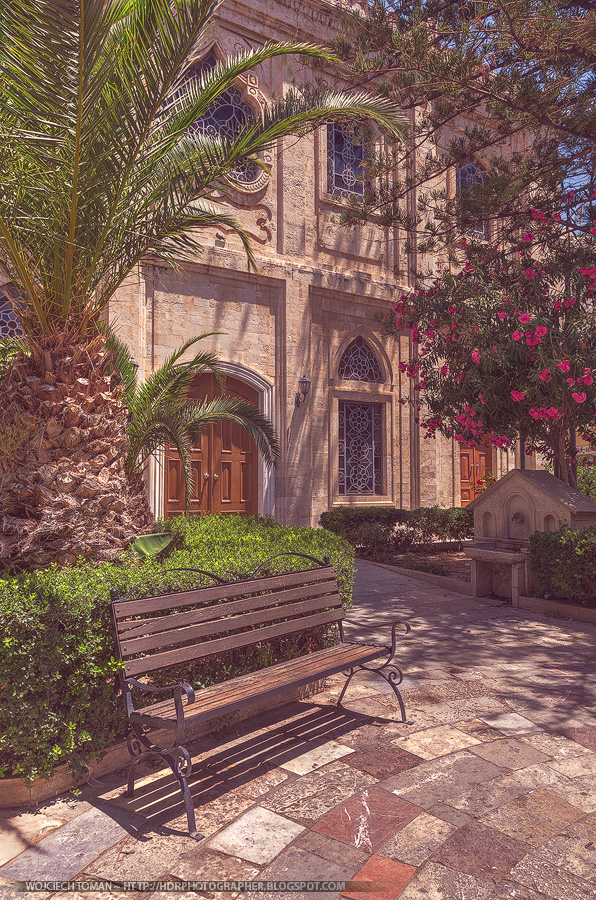
Vintage HDR photo from Heraklion and YouTube channel


Today I would like to share a vintage style HDR photo I took in Heraklion during my recent vacations on Crete. Hope you enjoy!

Also please note that I finally configured my YouTube channel (which you can watch here). If you would like to watch video tutorials from me (and I now plan to release them more regularly, at least one every 2 weeks or more often) please do subscribe to it.

Technical details:
Camera: Canon 5D MK III
Lens: Canon 24-105 f/4 L IS USM
Focal length: 24 mm
Aperture: f/8.0
Exposure time: 1/60 s ("middle" exposure)
ISO: 100
Number of exposures: 5
E.V. Step: 1
Flash used: no
Tripod: no
Filters: circular polarizing filter
Technique: HDR, tone-mapping, luminosity masks, vintage processing
Software: Magic Lantern 2.3, Photomatix Pro 4.2.7, Lightroom 5.0, Photoshop CC
Thursday, August 29, 2013

My muse

Stepping out of your comfort zone might be difficult but at the same time it can help you greatly in improving your general photography skills. As you know most of the time I'm photographing landscapes, sometimes architecture and I very frequently use HDR, Fusion or manual blending to extend dynamic range. But I often photograph other subjects: from animals in zoo, street scenes to portraits. I take macro photos and action as well. Although I don't share them very often (because most of the time these photos are nowhere near quality of my typical photos) this helps me to progress and to learn new things. For that reason I suggest you try something similar. Take your camera and go photographing some subjects you don't feel very comfortable about.

In the case of above photo I placed my girlfriend opposite the sun and used golden reflector to add some light to her face. Using reflector was rather difficult because the conditions were very windy but I'm quite happy with the light I got here. I'm also happy with the natural result I got. Had plenty of fun taking this picture.

Technical details:
Camera: Canon 5D MK III
Lens: Canon 100 f/2.8 L IS USM Macro
Focal length: 100 mm
Aperture: f/4.0
Exposure time: 1/125
ISO: 200
Number of exposures: 1
E.V. Step: n/a
Flash used: no
Tripod: no
Filters: no
Technique: HDR, tone-mapping, luminosity masks
Software: Magic Lantern 2.3, Portrait Professional 11, Lightroom 5.0, Photoshop CC
Wednesday, August 28, 2013

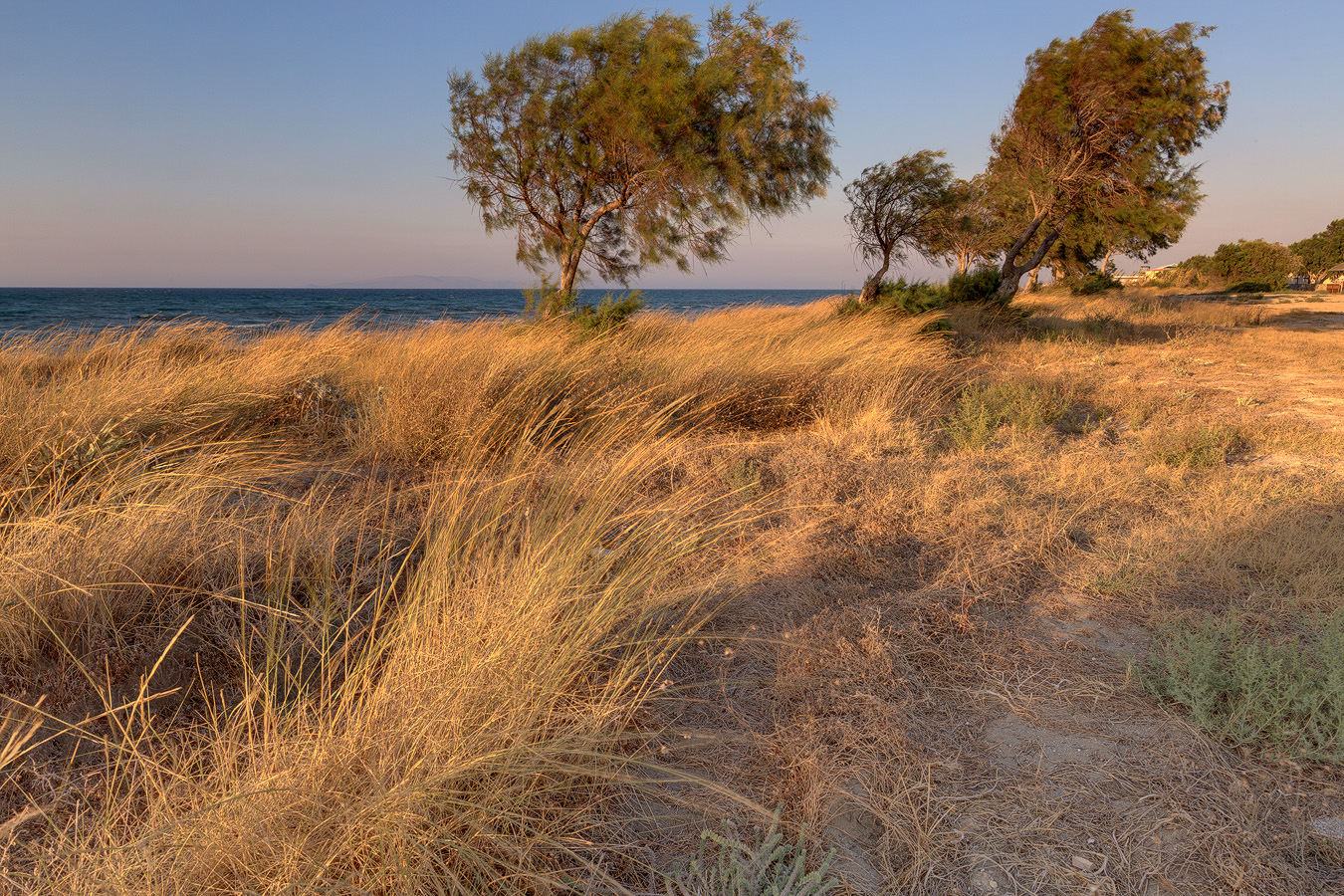
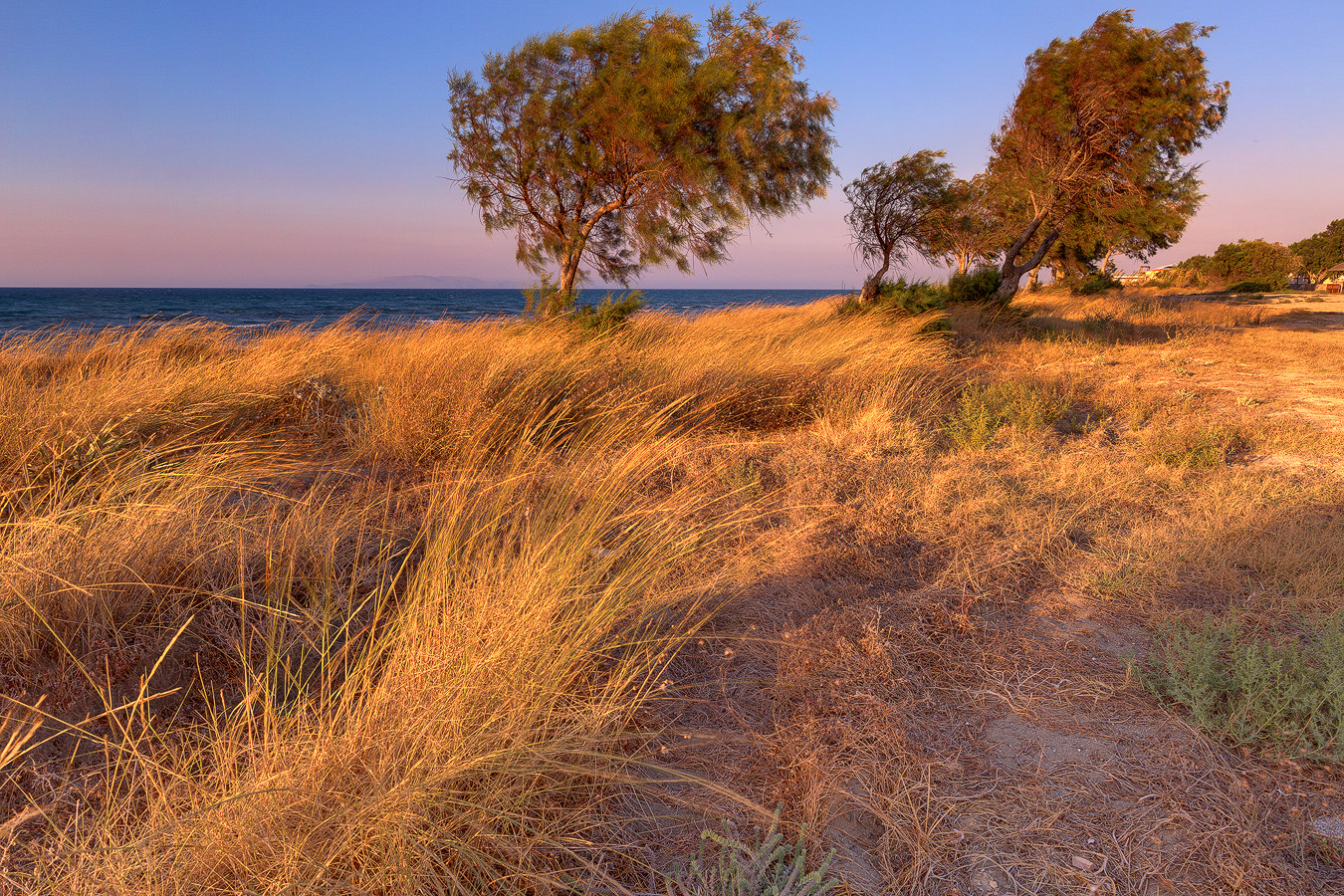
Before/after comparison: Golden light

before after
Time for another before/after comparison + some post processing details. This time a sunset photographed in Amoudara, Crete. There was some beautiful warm light during golden hour so I took hundreds of pictures. Here is one of them.

I took 7 exposures at 1 EV spacing, merged them to HDR and tone-mapped in Photomatix Pro (which is Before). Then I edited my image with luminosity masks technique in Photoshop CC (After).

In the image below you can see what layers I used to create final image. Starting from bottom they are:
  1. Background - image produced by Photomatix Pro.
  2. Global color balance - I applied some global colour correction to my image but only to midtones (Cyan/Red: +3; Magenta/Green: -5; Yellow/Blue: +5) to make the light look more sunsetty.
  3. Highlights color balance - I then applied colour balance correction only to brightest parts of the sky and grass (Cyan/Red: 0; Magenta/Green: -18; Yellow/Blue: +10)
  4. Global contrast - applied some contrast to midtones only using Curves adjustment layer.
  5. Highlights contrast - added contrast to highlights in sky and grass
  6. Shadows contrast - added some contrast to darkest parts of the image and slightly brightened them up (I used Screen blending mode to get brightening effect)
  7. Highlights saturation - added some extra saturation to sky and grass (Master: +37)
  8. Shadows saturation - added a bit of saturation to darkest parts of the image (Master: +15)
  9. Sharpening - added some sharpening.

Finally some EXIF and other technical specs:

Technical details:
Camera: Canon 5D MK III
Lens: Canon 24 f/1.4 L USM II
Focal length: 10 mm
Aperture: f/18.0
Exposure time: 1/13 s ("middle" exposure)
ISO: 100
Number of exposures: 7
E.V. Step: 1
Flash used: no
Tripod: yes
Filters: no
Technique: HDR, tone-mapping, luminosity masks
Software: Magic Lantern 2.3, Photomatix Pro 4.2.7 (Details Enhancer), Lightroom 5.0, Photoshop CC
 
© Copyright 2011 Photoshop and Photography All Rights Reserved.
Free Templates by Cool Blogger Tutorials- Powered by Blogger.com.